
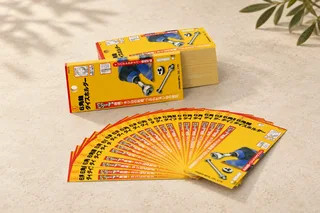

From brief to finished pack: keep a shared reference.
Agreement points for purchasing, brand teams and the manufacturer at each stage.
This article lists what to review before approving packaging artwork: structure, versions, images and bleed, so the handoff to production needs fewer rounds.
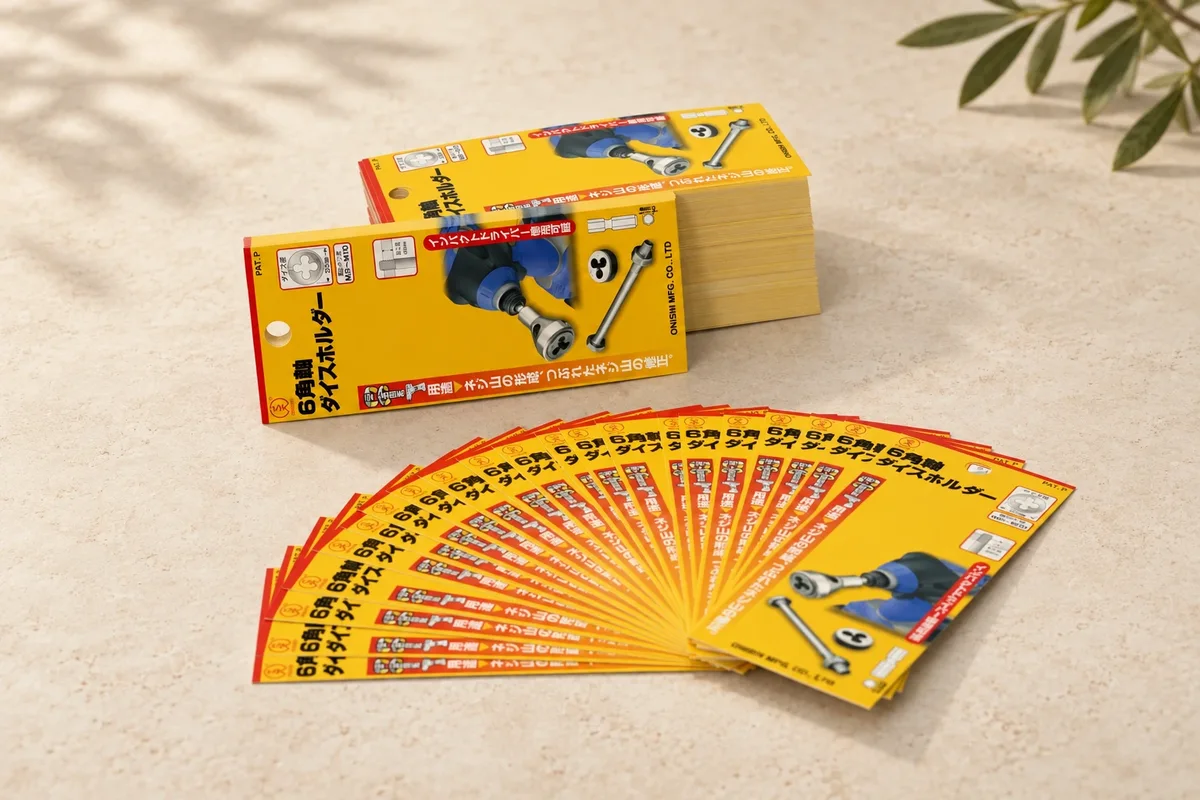
Artwork needs to match the agreed packaging specifications. Before finalising the design, discuss the structural reference and handoff requirements so everyone works from the same version.
Identify whether a file is for review or already approved. State units, printed faces and areas related to cuts or folds. The structural reference used for production needs project-specific checking.
Adobe advises confirming required printer’s marks with the print provider and setting up bleed and slug areas first. Ask how bleed, safe areas and structural lines should be supplied for this pack rather than applying one universal value.
Illustrator’s Package function can collect linked assets and fonts; check font-sharing permissions first. Include a viewing reference, while identifying separately which file is intended for production.
WHAT TO PREPARE NEXT
TAKE IT INTO YOUR BRIEF
The trim/bleed diagram illustrates concepts only. Exact export, colour and dimensional requirements need to be agreed for the project.
KEEP EXPLORING
Agreement points for purchasing, brand teams and the manufacturer at each stage.
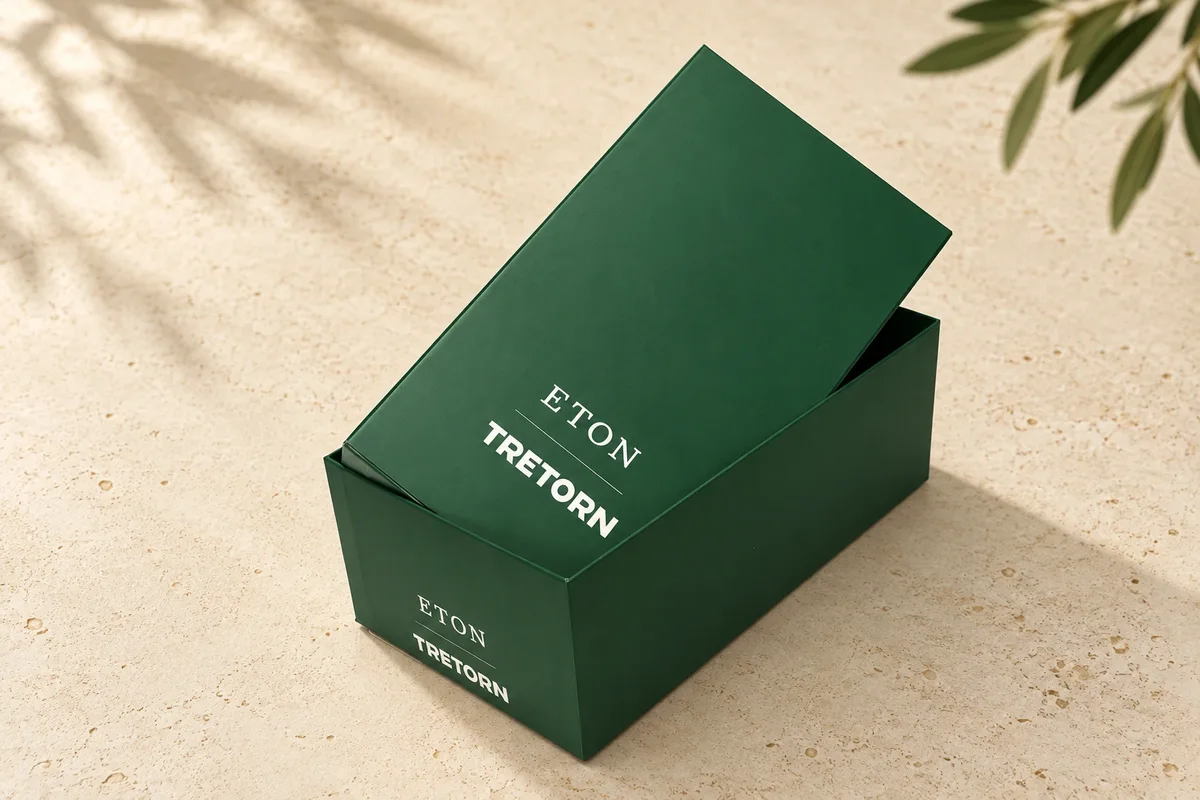
A shared review checklist for purchasing, brand and technical teams.
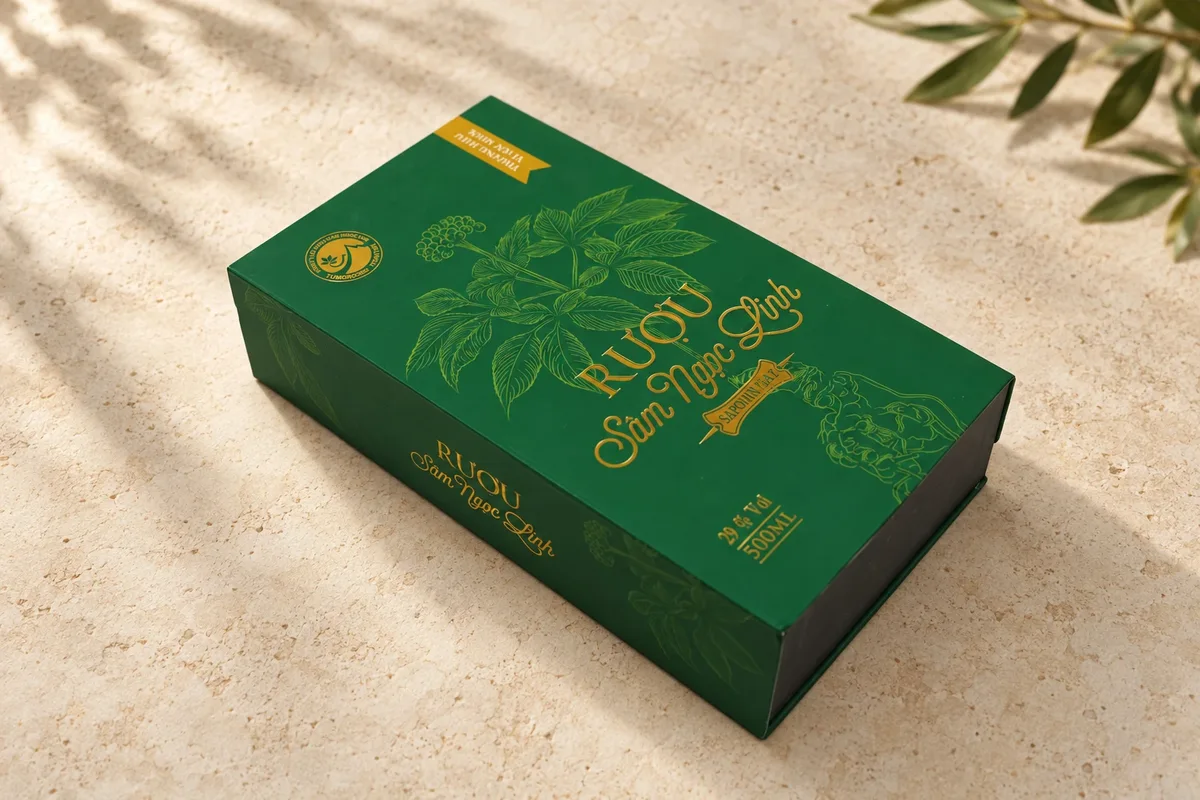
Your product, dimensions, quantity and intended experience: the inputs that give a conversation direction.
FROM INSIGHT TO PROJECT
Tell us about your product and what you are considering. Discuss structure, material and presentation with HotPrint for your project.